Skip to content

D LINE DESK PHONES

Business desk phones.
A more connected desk.

Fanvil, Yealink, Grandstream, and more. Bring a physical business phone to your front desk, dispatch office, or everyday workspace, with D Line cloud calling behind it.

Cloud calling from $20/mo per workspace. Hardware quoted separately.

A business desk phone and headset beside a laptop in an office
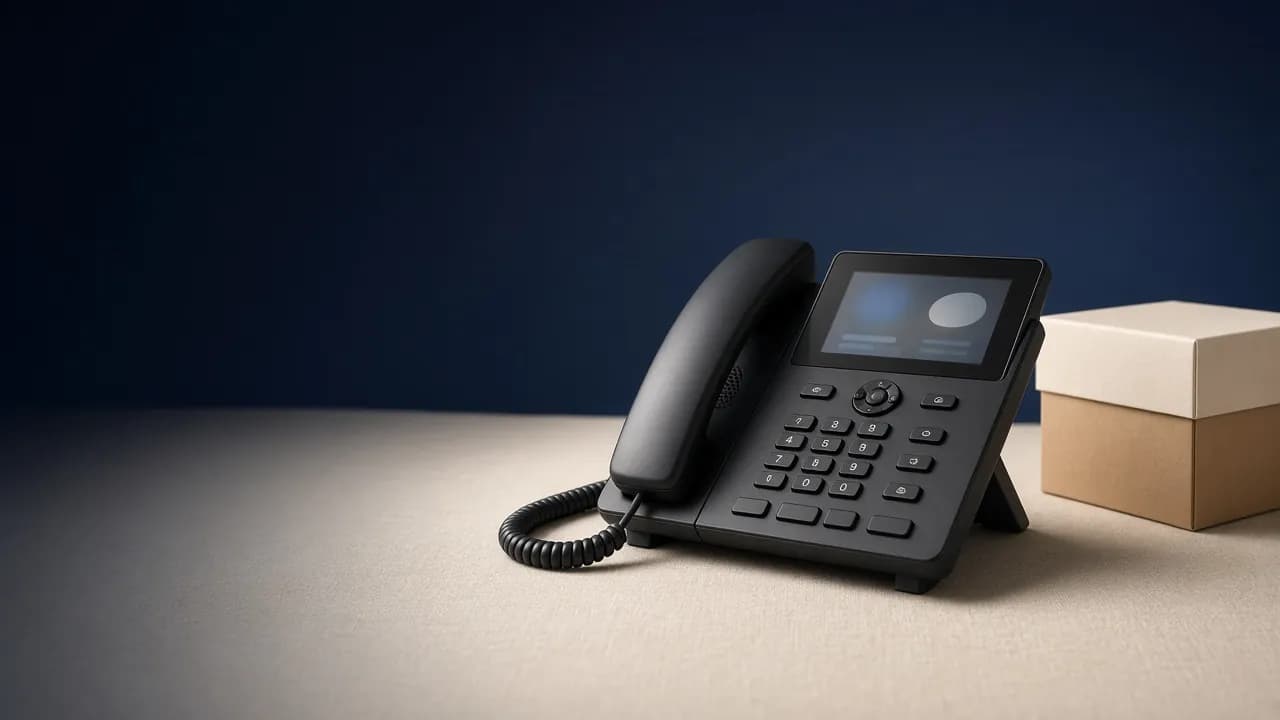
A dedicated place for your next conversation.
Business VoIP callingHardware quotesDesk + desktop + mobile

GOOD HARDWARE. ONE BUSINESS PHONE SYSTEM.

Desk phone brands we offer.

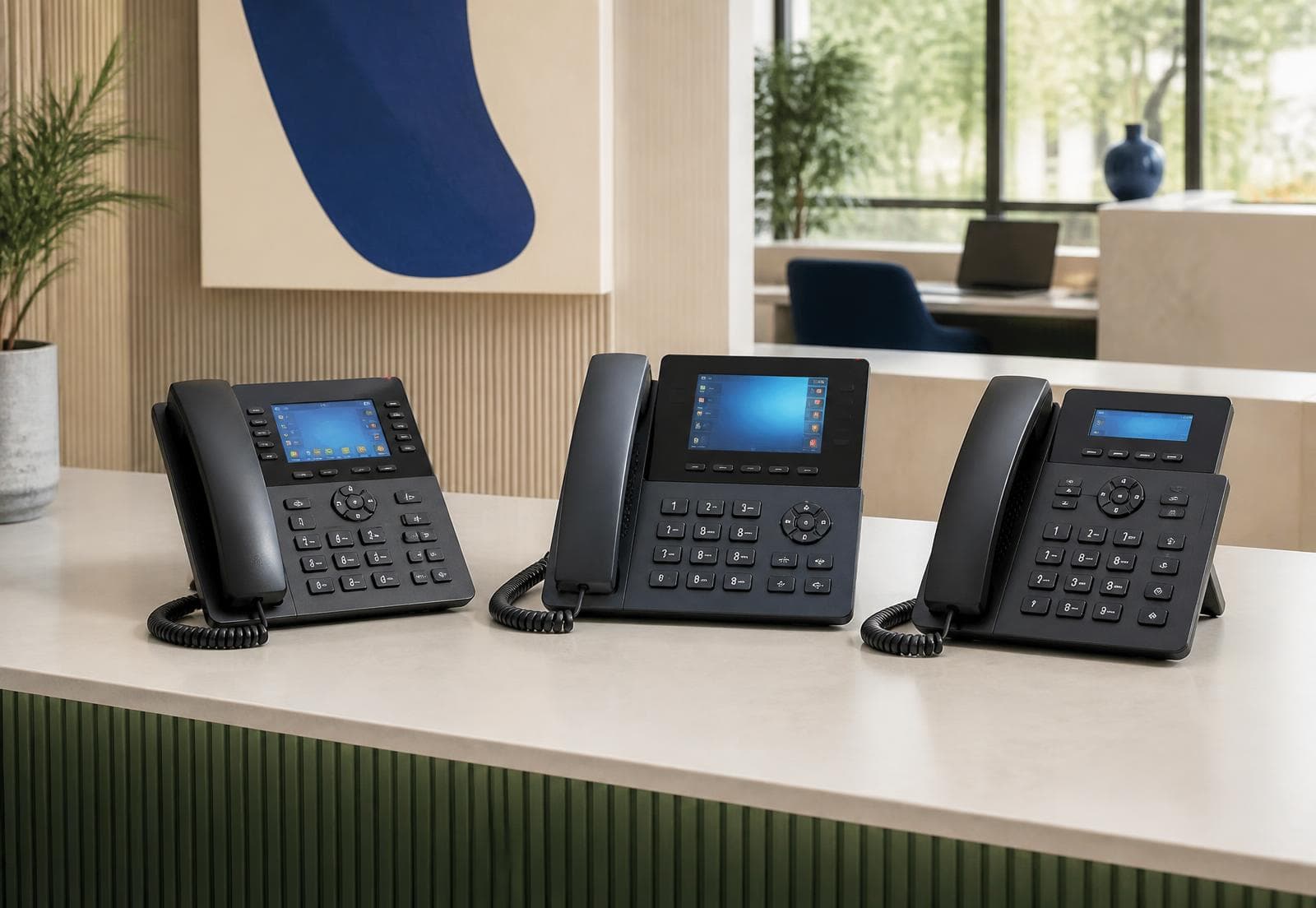
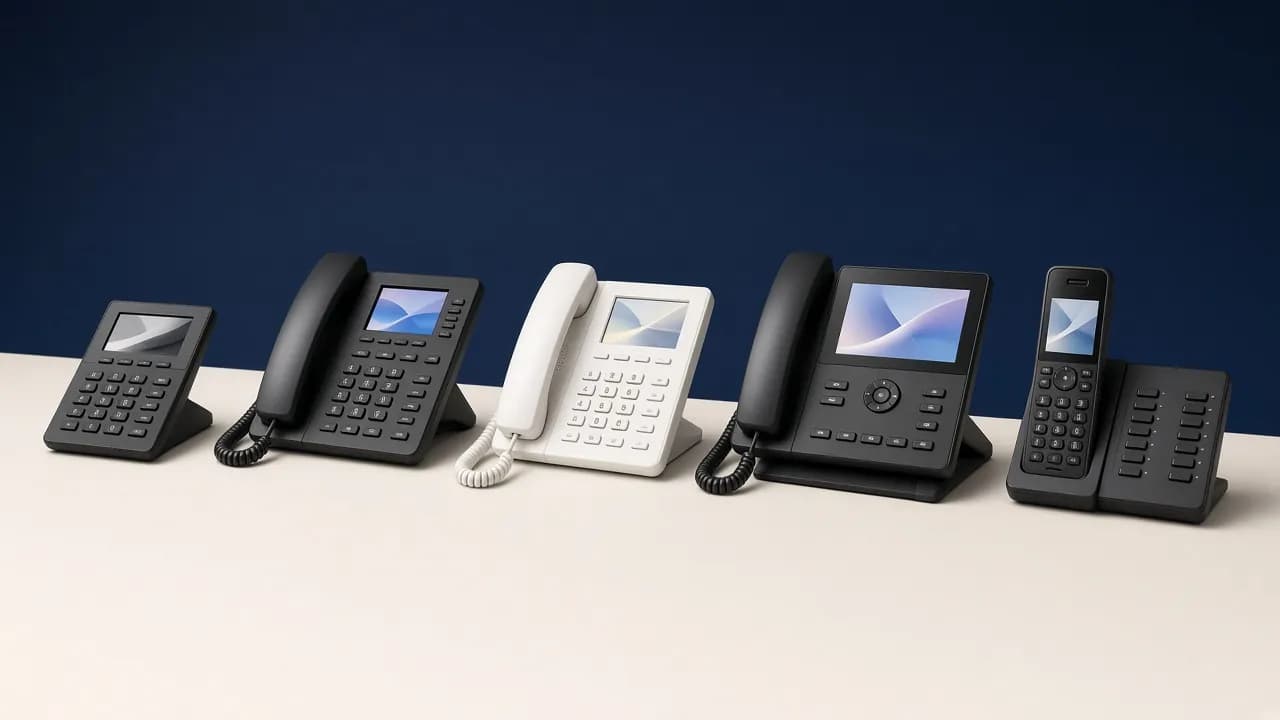
Choose from familiar names in business phones. We’ll help narrow down the model around your desk, your network, and your call handling needs.

Have another brand in mind? Send us the model. Availability, compatibility, accessories, and pricing are confirmed with your quote.

BUILT AROUND YOUR WORK

Make room for the way your team calls.

Some people prefer a handset. Others work best with a headset and an app. Build an office phone setup that gives each person a practical way to answer.

01

For the front desk

Give reception a dedicated phone for answering the main business line and connecting callers with colleagues. We can help review line keys, display needs, and the way your team handles transfers.

02

For a busy dispatch office

Keep a physical phone within reach while your team works on loads and customer requests. Discuss headset compatibility and call handling with us when choosing phones for each dispatch position.

03

For everyday office calls

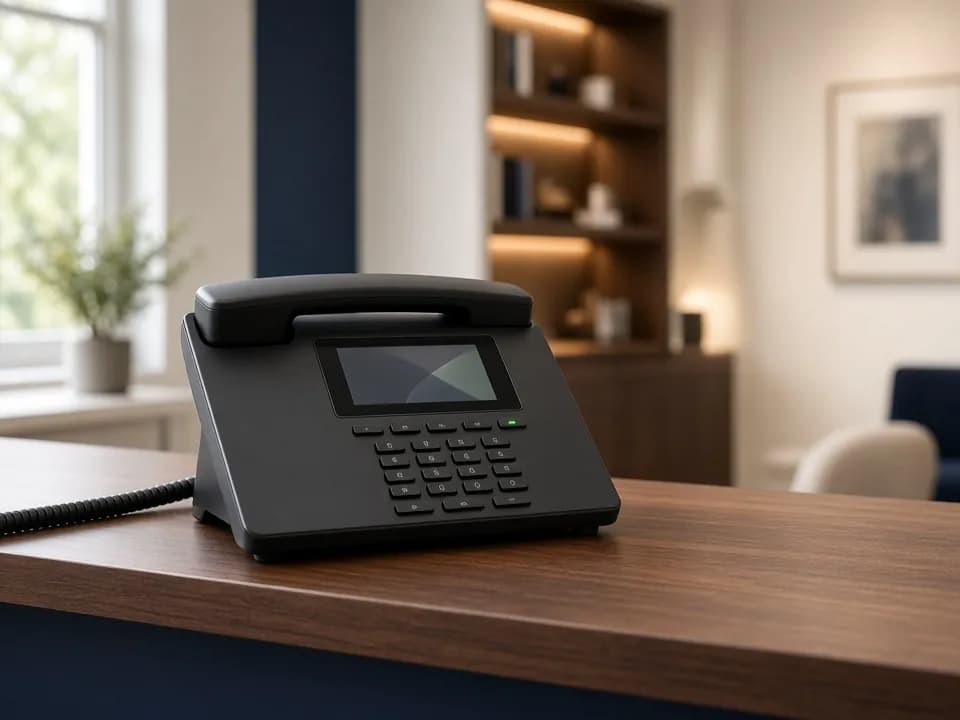
A handset, keypad, and a dedicated place to answer can make business calling feel familiar. Connect a supported VoIP phone to D Line instead of maintaining a separate traditional phone system.

04

For teams using apps, too

Combine desk phones with D Line’s browser, desktop, and Android apps across your workspace. Choose devices around each person’s role and configure extensions for the people who need them.

HOW IT COMES TOGETHER

From your first desk to the whole office.

01

Tell us about your desks

Share how many phones you need, who will use them, and whether you already have headsets or phones you would like to keep.

02

Choose the right hardware

Review the recommended models, compatibility, power options, and hardware quote. Equipment is quoted separately from your cloud calling subscription.

03

Connect and check your calls

Assign business numbers and extensions, configure the supported phones, and test inbound calls, outbound caller ID, transfers, and voicemail before everyday use.

LET’S MAKE IT YOURS

A few details make a better phone quote.

Tell us about your office so we can recommend a suitable setup:

  • The number of phones and office locations you need to connect.
  • Typical call volume and whether staff answer several business lines.
  • Any current phone models and headsets you would like us to review.
  • Available Ethernet connections and whether your network supplies Power over Ethernet (PoE).
  • Your business numbers, preferred setup date, and any number-porting needs.

A FEW GOOD QUESTIONS

Business desk phone FAQs.

Does D Line sell business desk phones?

Yes. We offer Fanvil, Yealink, Grandstream, and other business desk phones for office teams, reception desks, and trucking dispatch workstations. Contact us for current models, availability, and a hardware quote.

Are desk phones included in the monthly plan price?

Desk phone hardware is quoted separately. Base and Advanced cover the cloud phone service and their listed allowances; the monthly platform price is not a hardware price.

Can we use our existing VoIP phones?

Send us the manufacturer, exact model, and whether the phone is locked to a previous provider. We will review compatibility before recommending that you keep or replace it. Support depends on the model, firmware, and configuration.

Can desk phones and the D Line app be used in one business?

Yes. Your workspace can include supported desk phones and app users. Configure the devices and extensions around your team. Ringing behavior and device features depend on your phone setup.

What does a desk phone need to connect?

A VoIP desk phone needs a suitable internet connection, local network access, power, and its calling configuration. Many setups use Ethernet and either PoE or a power adapter. Wi-Fi, Bluetooth, headset support, and power requirements depend on the selected model.

Can you help us plan a move from our old phone service?

We can review your existing numbers, phones, and call handling needs before you switch. Plan number porting, office connectivity, and test calls before retiring the previous service.

YOUR NEXT CHAPTER STARTS WITH A HELLO

Let’s find the right phone for your desk.

Tell us how your team works. We’ll help you choose hardware and a D Line calling plan that fit your office.

Also explore: Trucking & logistics